GitHub Education — Free Copilot Access
Beginner
~10 min
GitHub Education gives verified students and faculty free access to GitHub Copilot Pro, which unlocks powerful AI models including Anthropic's Claude.
:fontawesome-brands-youtube: Watch the video tutorial
What You'll Learn
- How to apply for GitHub Education benefits
- How to redeem your free Copilot Pro coupon
- How to enable the Copilot coding agent and Claude partner agent in GitHub settings
Step 1 — Apply for GitHub Education
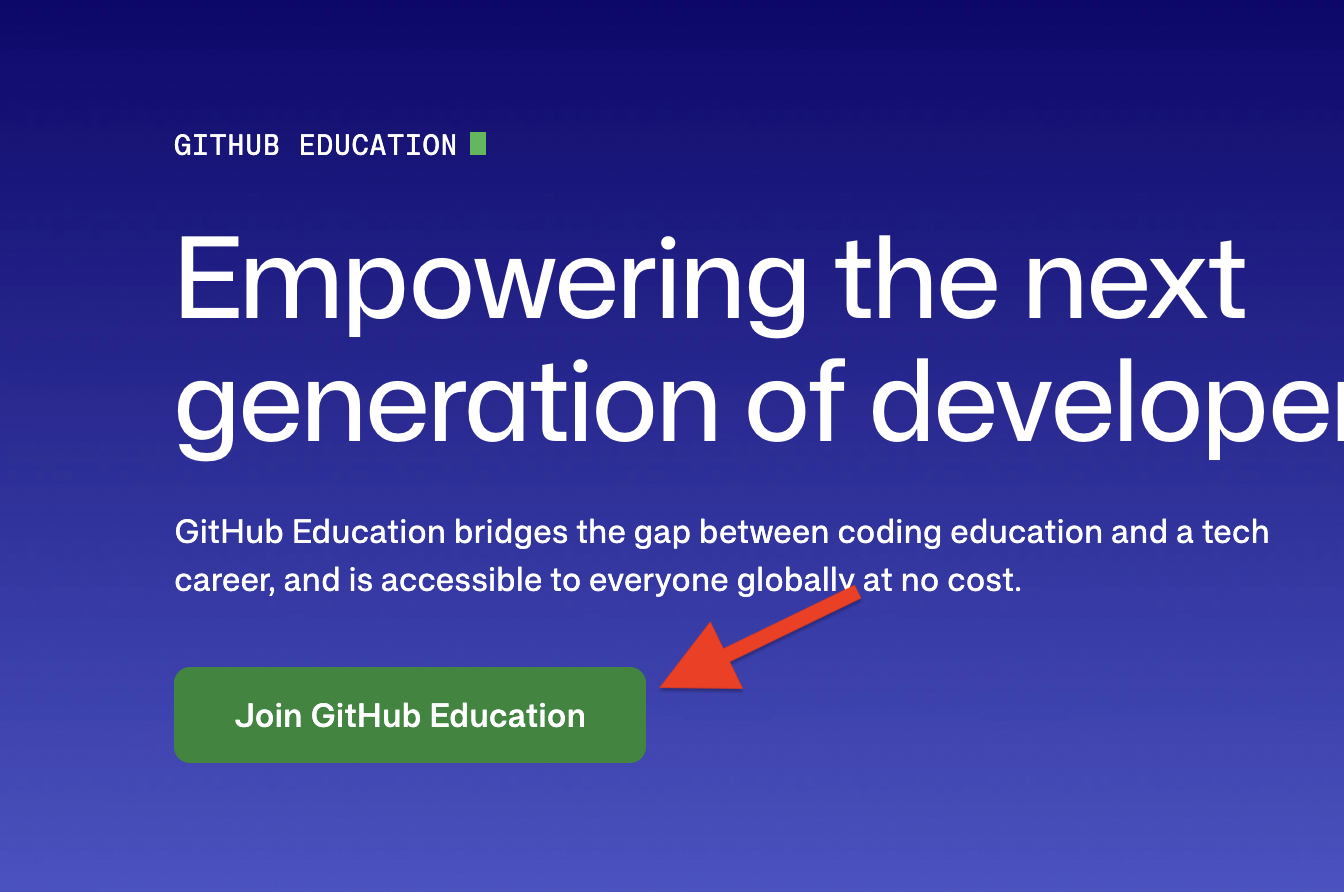
- Go to github.com/education and click Join GitHub Education
- Complete the application — you'll need an academic email address or proof of affiliation
- Submit and wait for approval. Benefits become available within 72 hours of verification
Step 2 — Redeem Your Copilot Pro Coupon
- Go to github.com/settings/education/benefits
- Look for the green Coupon applied bar — this confirms your application was approved
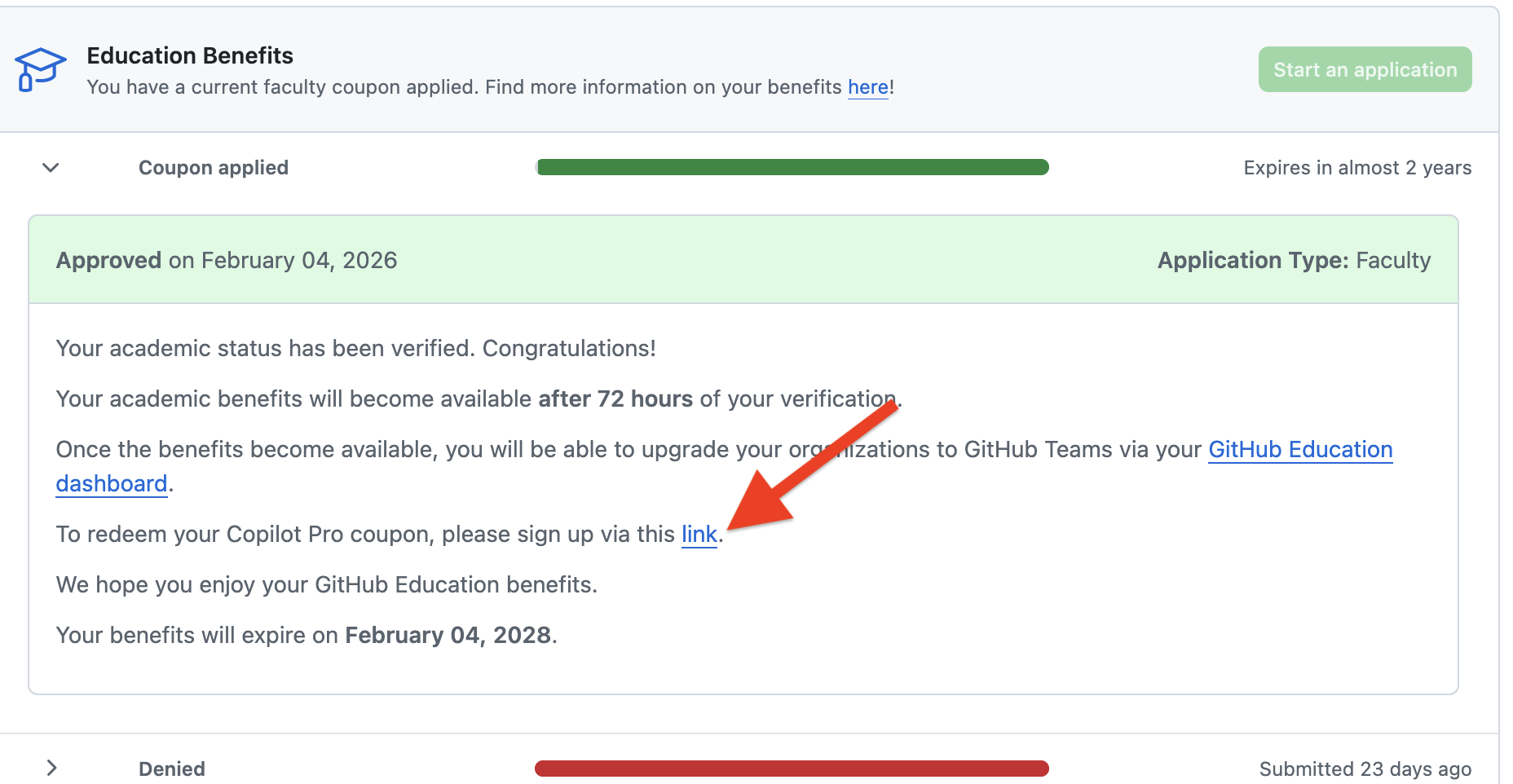
- Click the link in the approval message: "To redeem your Copilot Pro coupon, please sign up via this link"
- Follow the prompts to activate Copilot Pro on your account
Step 3 — Enable the Copilot Coding Agent
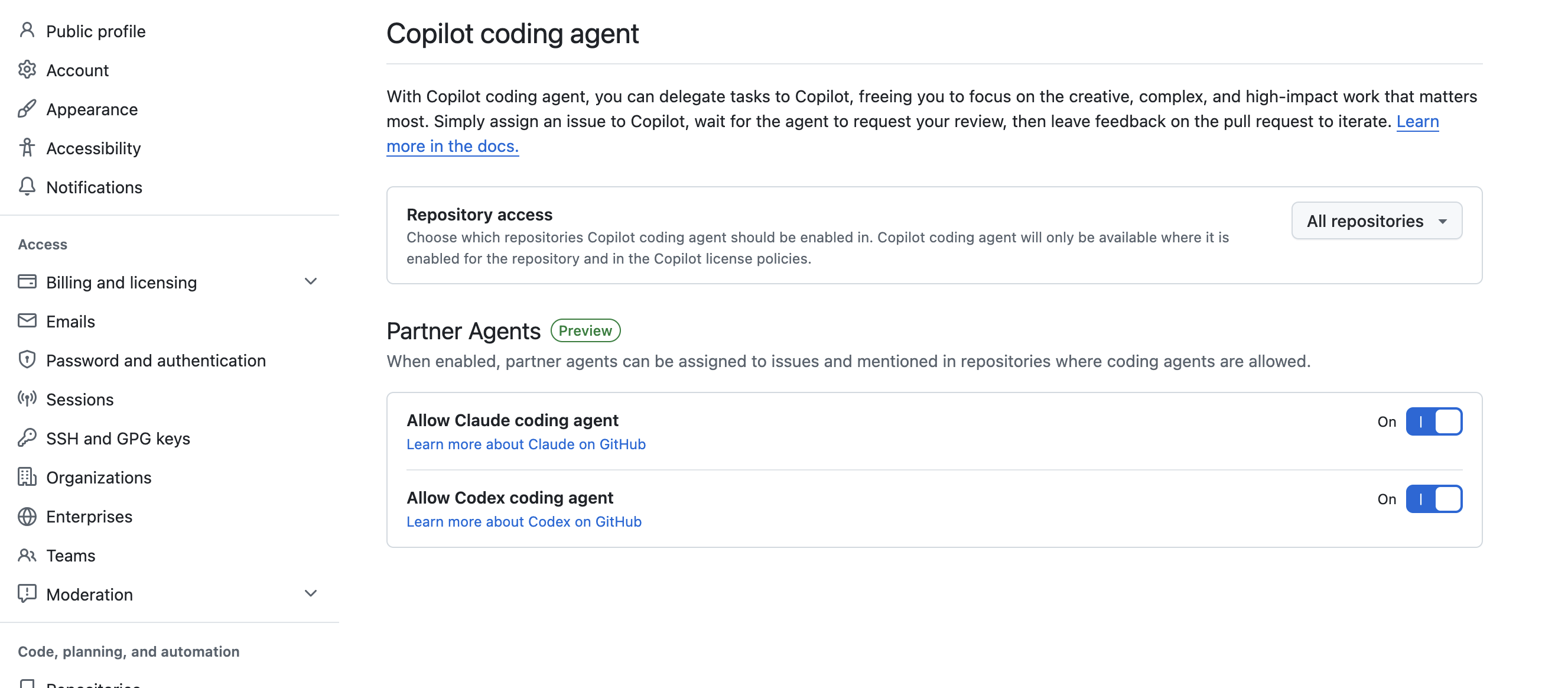
- Go to github.com/settings/copilot/coding_agent
- Under Repository access, choose which repositories the coding agent can act on (you can set this to All repositories)
Step 4 — Enable Claude as a Partner Agent
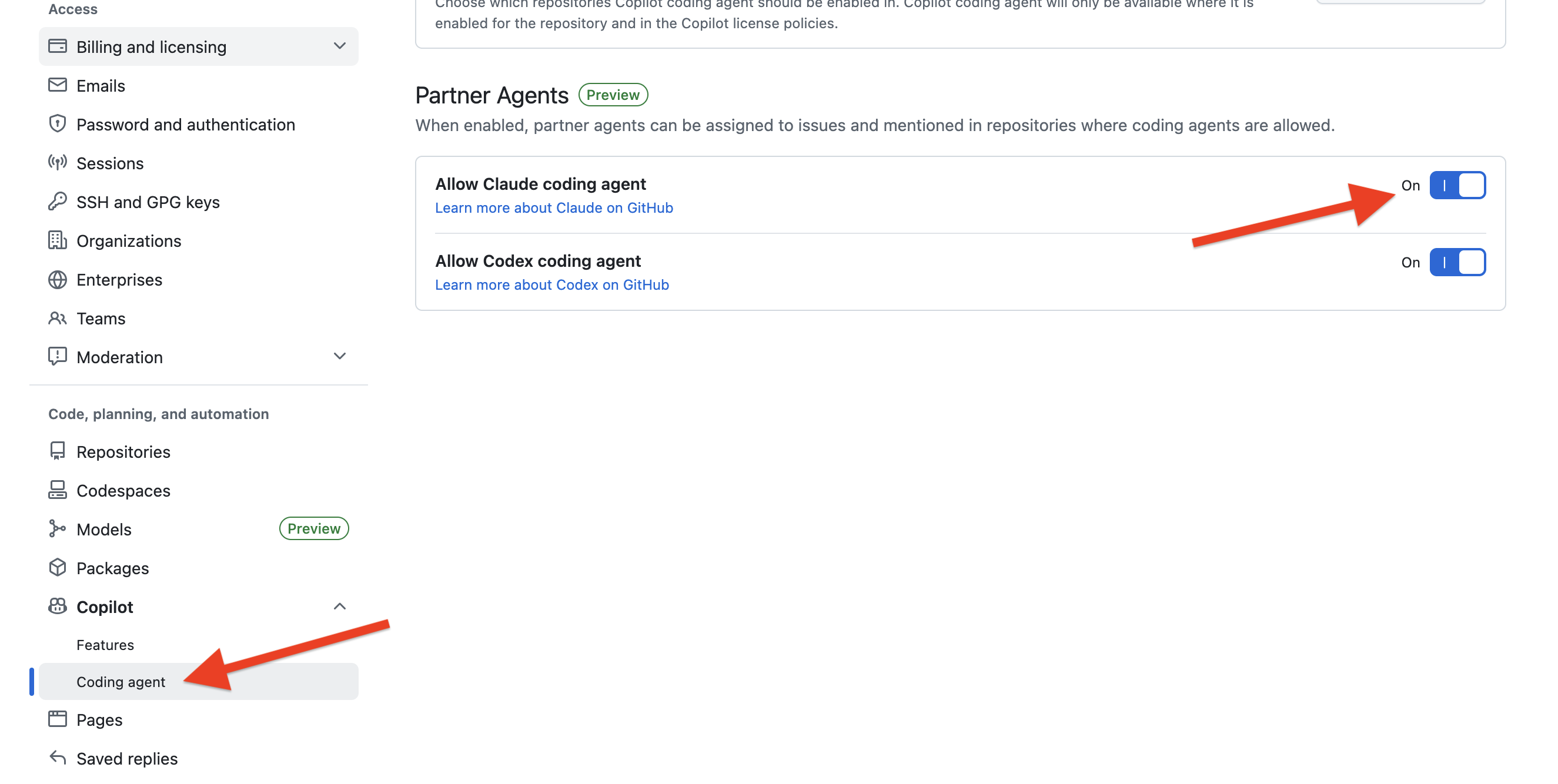
- On the same settings page, scroll down to the Partner Agents section
- Toggle Allow Claude coding agent to On
- Optionally toggle Allow Codex coding agent to On as well
Step 5 — Use Copilot Models
With Copilot Pro active, you can now access Claude and other premium models through your AI coding tool:
- Return to the Setup tutorial
- When configuring providers, select GitHub Copilot
- You can now choose Claude Opus 4.5 and other models available through your Copilot subscription
Tips
- Benefits are tied to your academic email — make sure it matches the email on your GitHub account
- The benefits page shows your coupon expiry date — reapply before it expires to avoid losing access
- The coding agent's repository access can be restricted to specific repos if you prefer not to grant access to all repositories